At a glance 本期概览
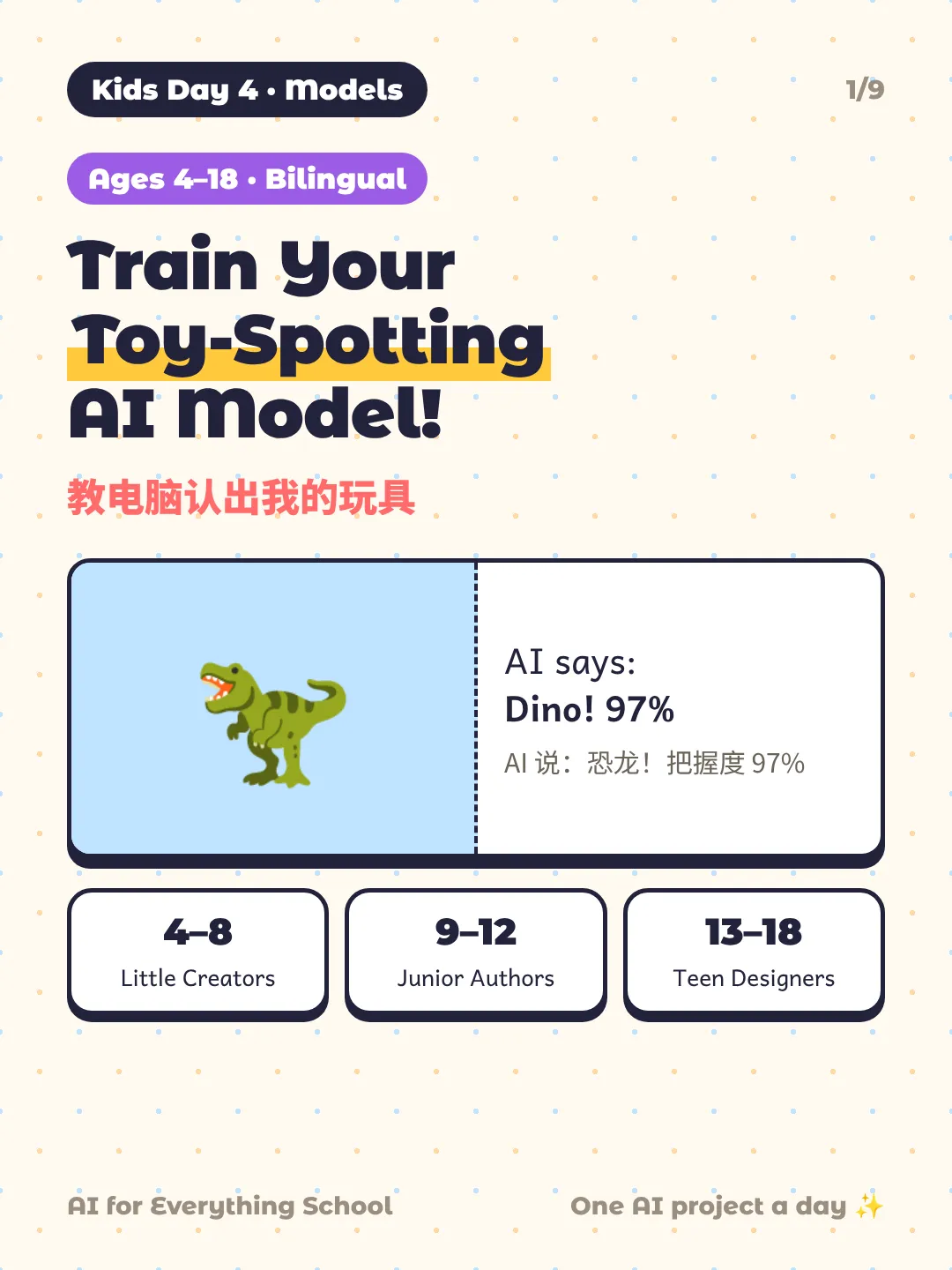
Today kids teach a computer to recognize their own toys — and find out that AI only knows what we show it. 本期领域:模型(Model)。孩子当“AI 老师”,用摄像头给电脑看玩具照片,训练一个能认出“恐龙 / 小熊 / 小车”的小模型,再亲手测试、找错、改进。
| Item 项目 | Details 内容 |
|---|---|
| Project 项目 | My Toy-Spotting AI 教电脑认出我的玩具 |
| Ages 年龄 | 4–18, three tracks 三个年龄档 |
| Time 耗时 | 60–75 min(4 steps) |
| English goals 英语目标 | Words: train, data, label, class, test, guess;Sentence: “I taught my AI to spot ___.” “It got ___ out of 10 right.” |
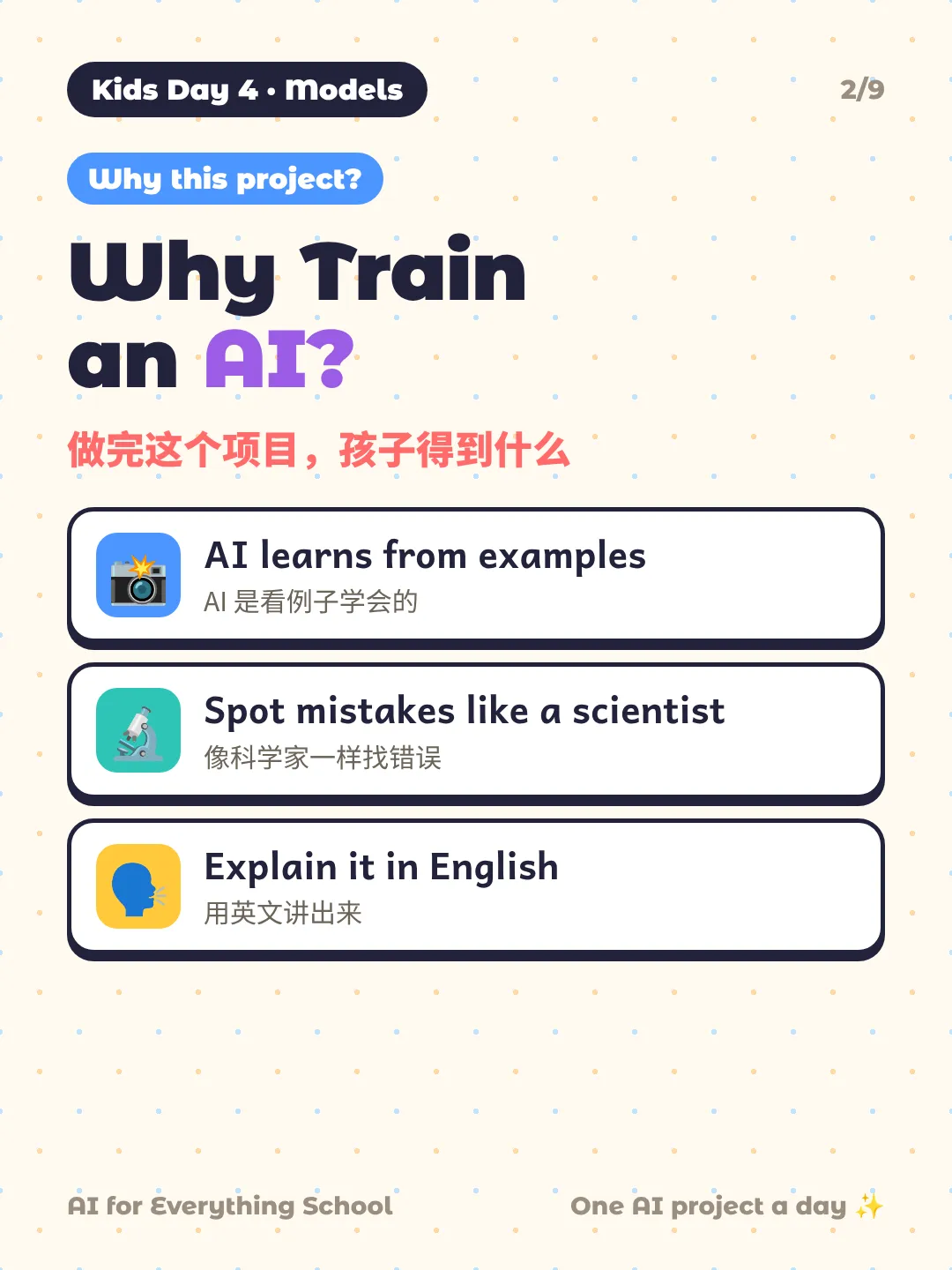
| AI literacy 目标 | 1) AI learns from examples, not magic 模型从例子中学习;2) More varied data = better guesses 数据越多样越准;3) AI makes mistakes, and humans check 模型会出错,人来检查 |
| China tool 国内工具 | Mind+(DFRobot)自带“模型训练工具”,支持图像分类,可用摄像头采集样本、一键训练(Windows / macOS / Linux / 国产系统);价格与登录要求以官方为准 |
| Overseas tool 海外工具 | Teachable Machine(Google)浏览器内训练、免编程;Google 官方说明样本“stay on-device”,只有选择保存到 Google Drive 时才离开电脑。国内网络通常无法直接访问 |
| Output 成果 | A working Toy-Spotter demo + a bilingual Model Report Card 双语“模型成绩单”(我的分类、样本数、10 次测试得分、一个错误和原因) |
Safety first 安全规则
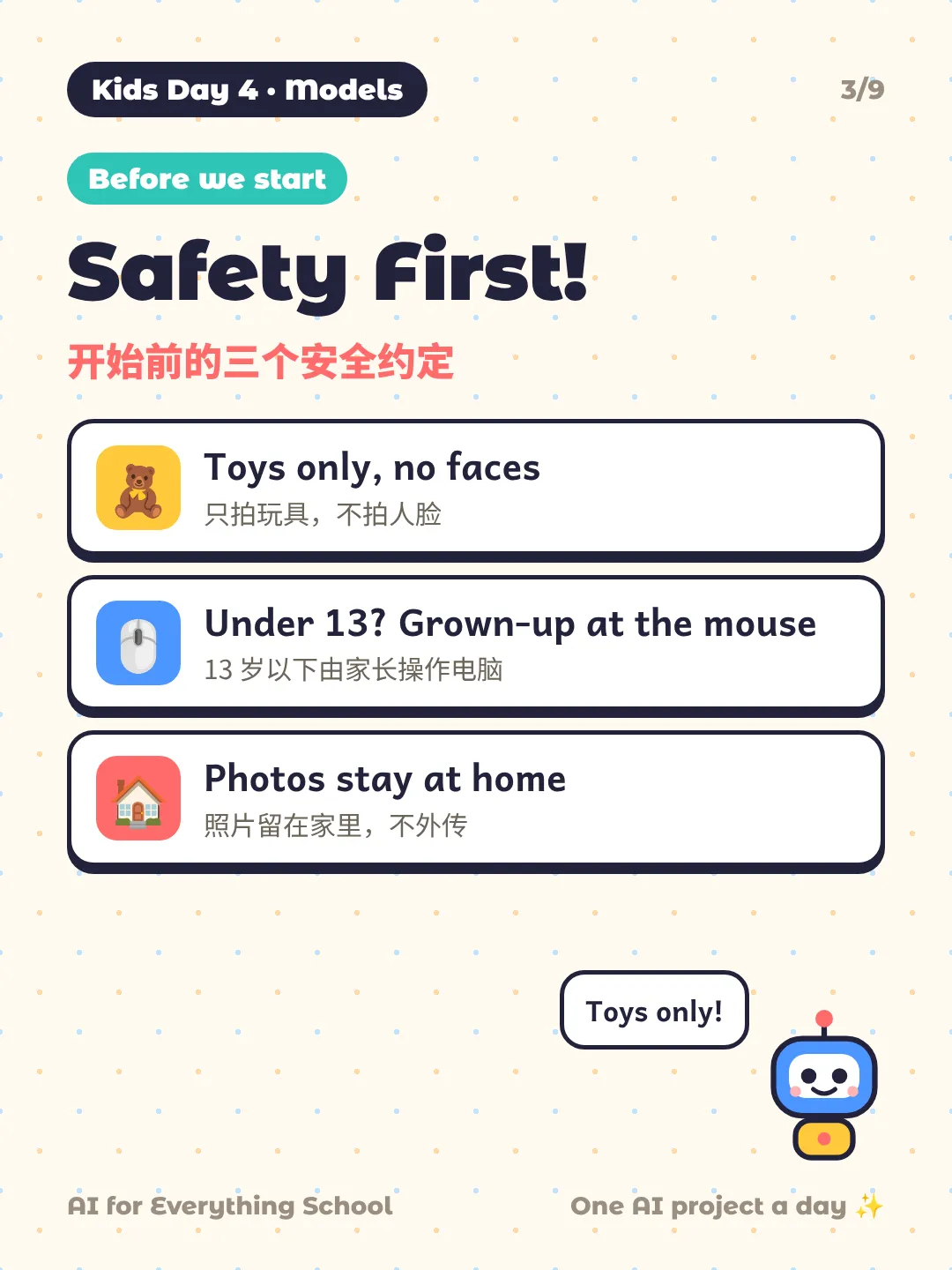
- Under 13? Create with a grown-up. 13 岁以下:用家长电脑、家长账号,家长点鼠标,孩子当“AI 老师 + 创意总监”。
- Toys only, no faces. 摄像头只对准桌面上的玩具,拍摄时孩子的脸、家人、门牌、校服、作业本都不能入镜;只露出手没问题。
- Keep data at home. 训练样本不上传、不分享到公开平台;Teachable Machine 不要保存到云端,Mind+ 项目存在本机即可。
- Check together. AI 的判断要和家长一起看:它说“95% 是恐龙”也可能错,错了正是学习的好时机。
- 本期不使用任何聊天机器人陪聊;如需 AI 帮忙解释概念,由家长提问、家长筛选后讲给孩子。
Language mix 语言比例:约 60% English。步骤标题、孩子要读要说的句子、Word Bank 用英文;家长提示、原理解释、安全说明用中文。
Three age tracks 三个年龄段
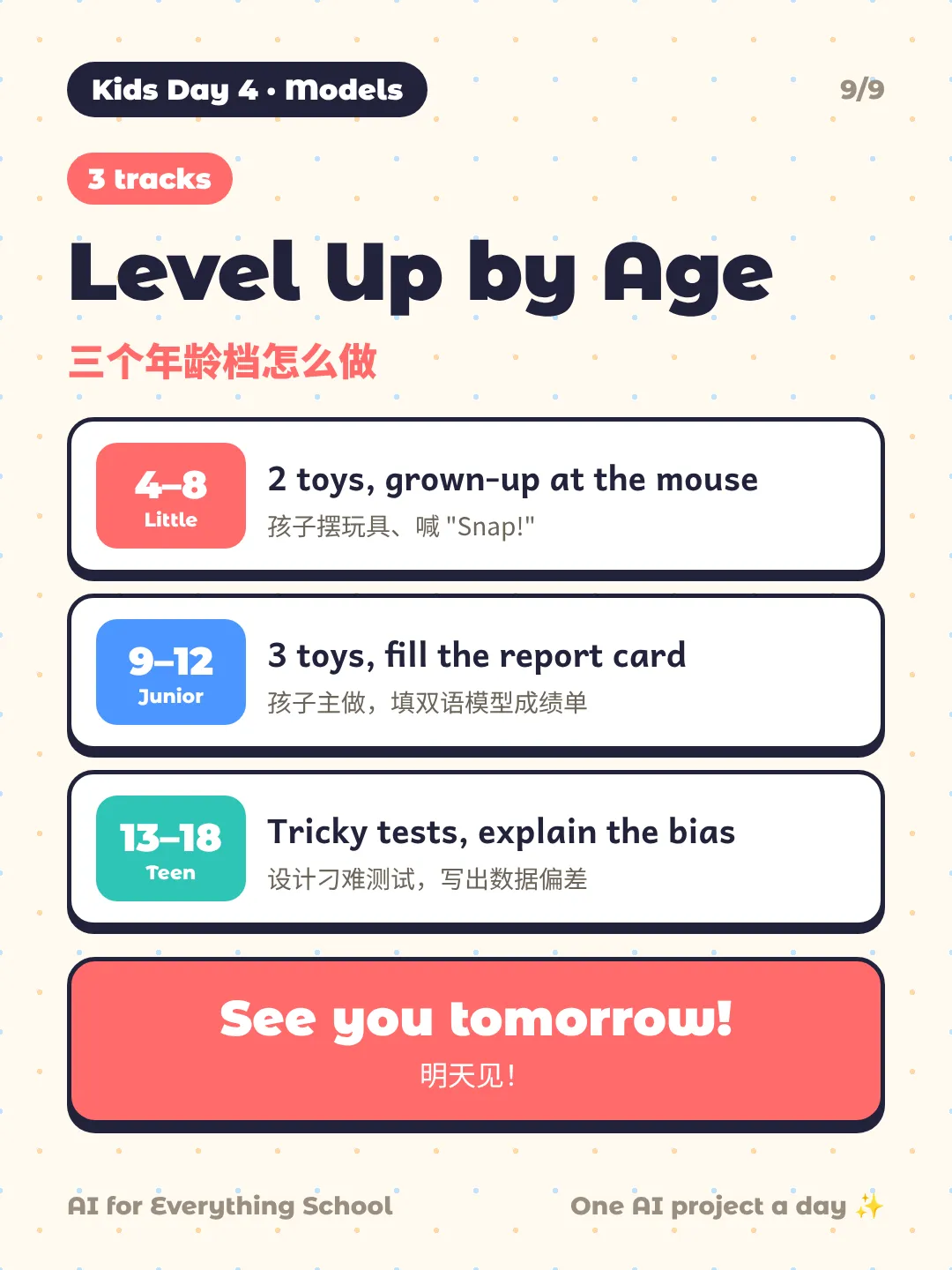
Same project, three sizes: little kids sort 2 toys with a grown-up at the mouse, teens build a 4-class model and test it like scientists.
| Little Creators 4–8 | Junior Authors 9–12 | Teen Designers 13–18 | |
|---|---|---|---|
| Who operates 谁操作 | Parent 家长操作电脑,孩子摆玩具、喝口令 | Kid clicks, parent sits beside 孩子主做,家长陪同(家长账号) | Kid works alone, parent checks safety 孩子独立,家长把关拍摄画面和分享 |
| What the kid does 孩子做什么 | Picks toys, names classes, counts “1, 2, 3, snap!”, checks if AI is right | Plans classes, collects samples, runs 10-try test, fills report card | Designs a fair test, tries tricky cases (new light, new angle, look-alike toy), explains errors |
| Scale 规模 | 2 toys + “Nothing”,每类约 20 张 | 3 toys + “Nothing”,每类约 30–50 张 | 4+ classes,每类 50+ 张,含一组“长得像”的干扰玩具 |
| English per step 每步英文量 | 1 word or 1 short phrase: Dino! Teddy! Test! | 1–2 sentences: “This is my dino class.” | A short paragraph + model report in English |
| What AI does 交给 AI 什么 | Learns from the photos and guesses 只负责学习和猜 | Learns + shows confidence bars 学习并显示把握度 | Learns + model can be exported;可在 Mind+ 实时模式里用积木调用模型做小互动 |
| Done when 完成标准 | AI says the right toy name 3 times in a row,孩子能说 “I taught my AI!” | Report card filled: classes, sample count, score x/10, one mistake + why | Before/after test scores + a written explanation of one bias or failure in the data |
| Time 耗时 | 40–45 min | 60–75 min | 75–90 min |
Step by step 分步教程
You need 准备:a computer with a webcam 带摄像头的电脑;3 toys that look different 三个长得不一样的玩具;a plain table or wall 一张干净桌面;Mind+(国内)或 Teachable Machine(海外);a printed Model Report Card 打印好的成绩单。
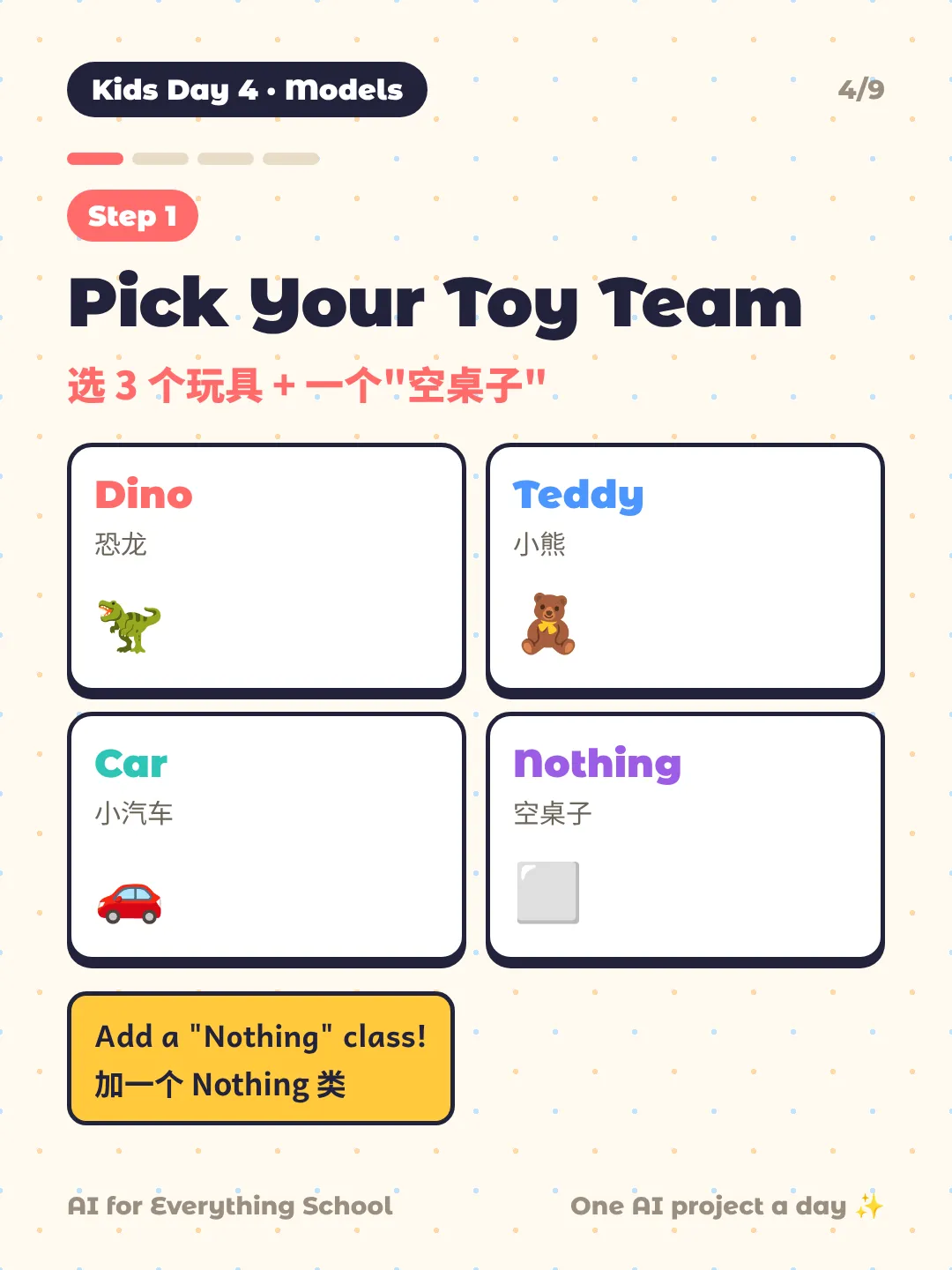
Step 1 · Pick Your Toy Team 选好玩具队(10 min)
- Why 为什么:A model can only learn the classes we give it. 模型只会分我们定义好的“类别”,先想清楚要教什么。
- How 怎么做:Choose 3 toys with different shapes and colors, plus one “Nothing” class (the empty table). 在纸上画四个格子,写上英文类名:Dino / Teddy / Car / Nothing。在 Mind+ 打开模型训练工具,新建“图像分类”项目;在 Teachable Machine 选 Image Project。把类别名改成孩子起的英文名。
- Done right 做对了:You have 4 named classes, and the kid can say: “This is my dino class.” 四个类别都有英文名,孩子能用英文说出来。
Parent tip:为什么要加 Nothing 类?否则桌上没东西时,AI 也会硬猜一个玩具。这正好可以和孩子聊:AI 不会说“我不知道”,除非我们教它。
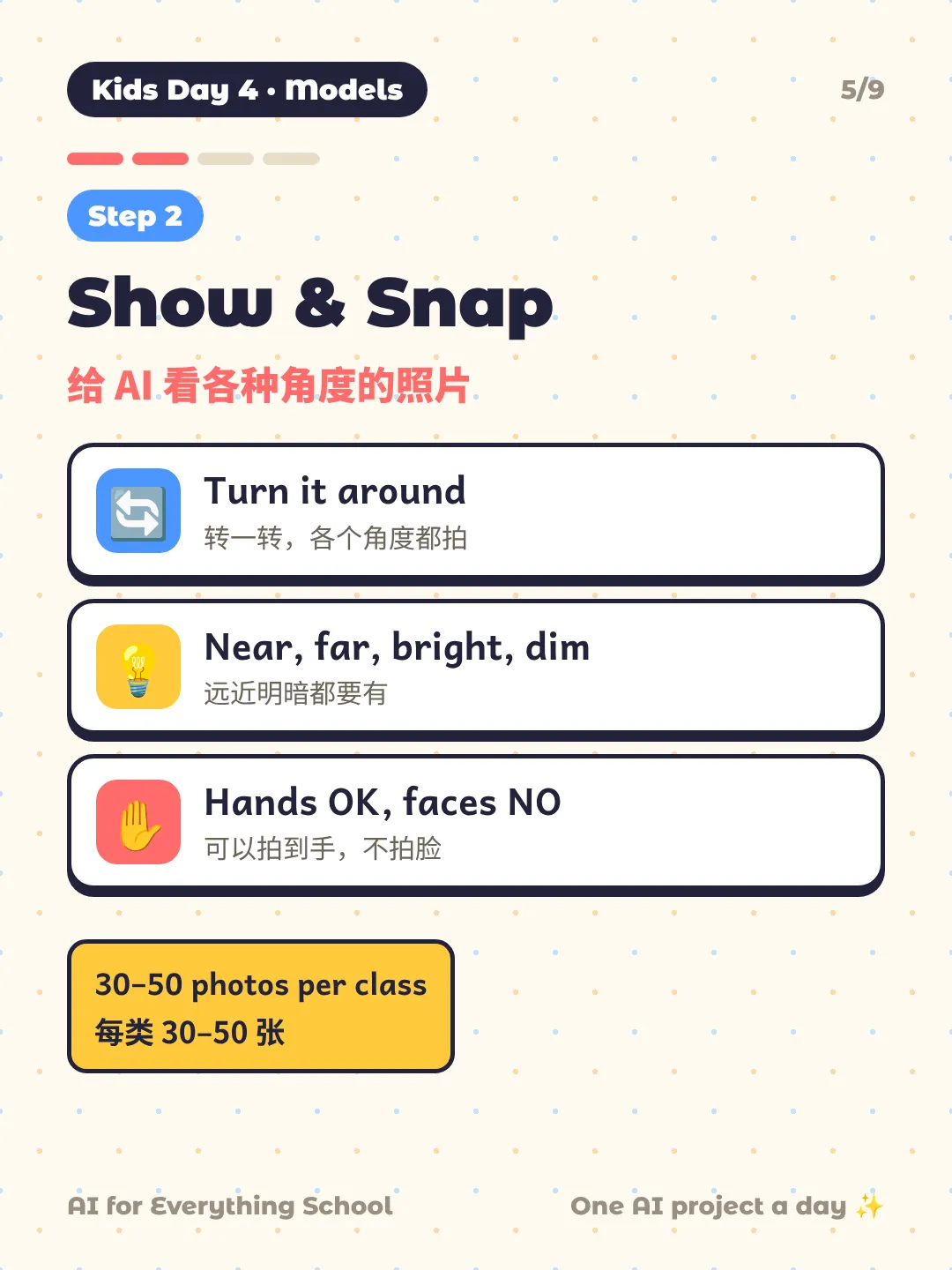
Step 2 · Show & Snap 给 AI 看例子(15–20 min)
- Why:AI learns from data. Different angles and light help it learn the toy, not the background. 数据越多样,AI 学到的是“玩具本身”,而不是“桌布的颜色”。
- How:Point the webcam at the table only. Hold each toy and turn it slowly while recording samples. Near, far, bright, dim. 每类采集 30–50 张(4–8 岁约 20 张)。小朋友喂口令 “1, 2, 3, Snap!”,家长按住采集键。
- Done right:Every class has about the same number of photos, and no face is in any photo. 每类样本数差不多,任何一张都没有人脸。
Parent tip:采集前先看一眼预览画面的边缘——后面的家人、校服、快递单都可能入镜。拍完逐类翻一遍,有问题就删掉。
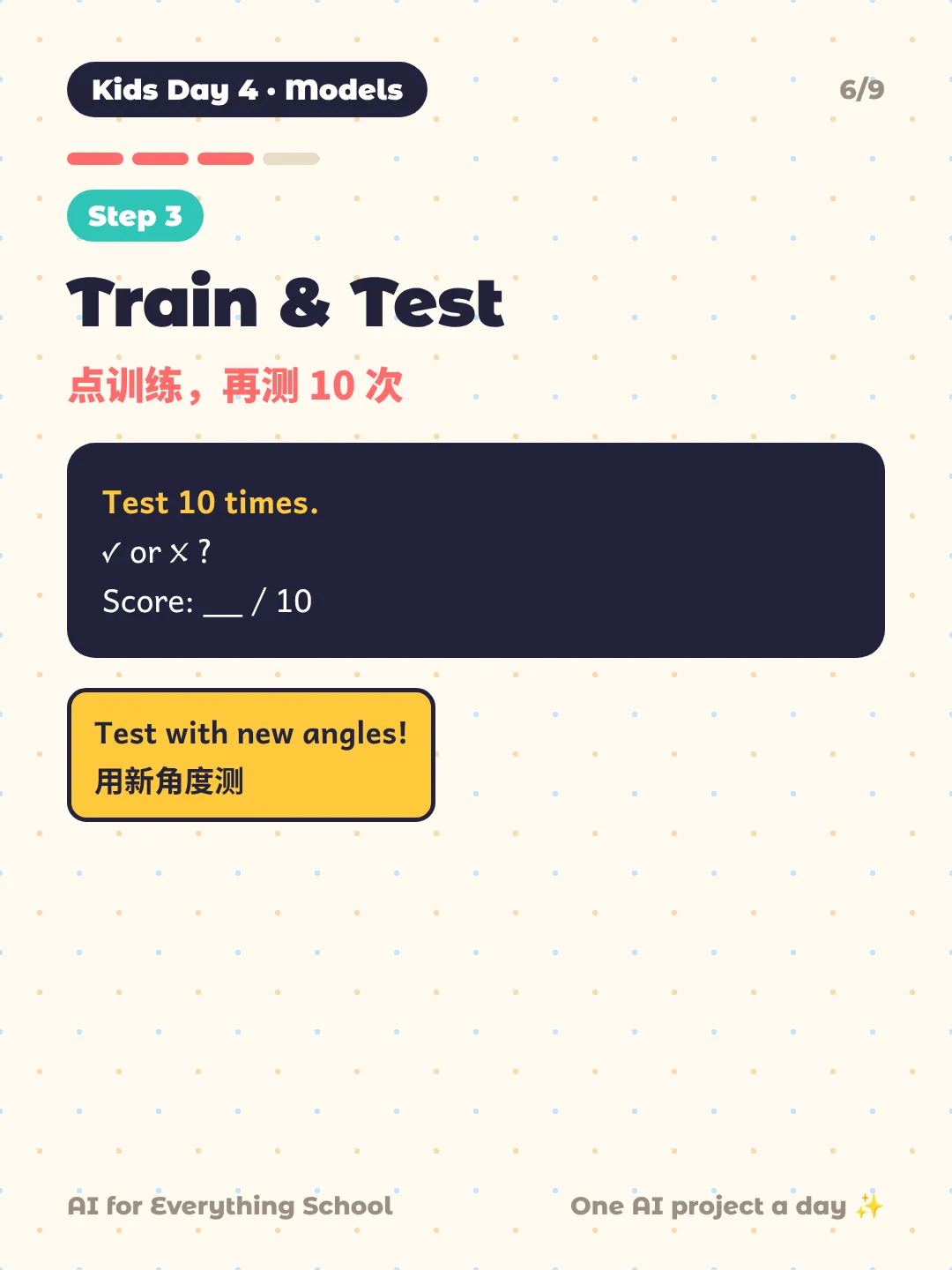
Step 3 · Train & Test 训练和测试(10–15 min)
- Why:Training turns photos into a model. Testing tells us if it really learned. 训练把照片变成模型;测试才知道它是真学会了,还是碰巧猜对。
- How:Click Train and wait. Then test 10 times: show a toy, read the guess, write ✓ or ✗. 至少有 3 次用“新情况”测:换个角度、关一盏灯、拿一个没教过的玩具。
- Done right:You have a score like 8/10 on the report card. 成绩单上有 “__ / 10” 的分数和 10 个勾叉。
Parent tip:把握度 97% 不等于“一定对”。拿一个没教过的玩具放上去,AI 往往也会很“自信”地猜一个——这是和孩子讨论“别全信 AI”的最好例子。
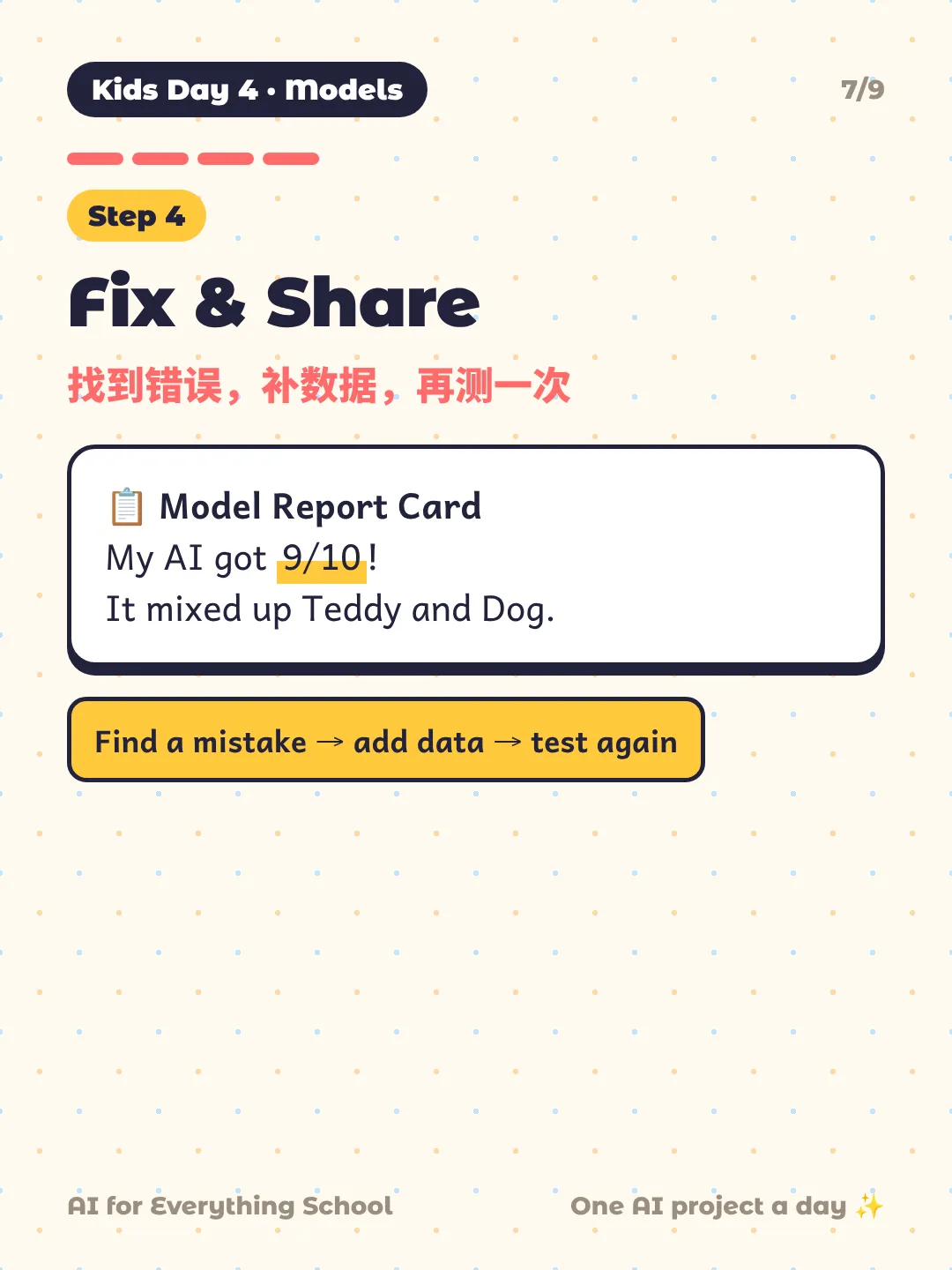
Step 4 · Fix & Share 改进并展示(15–20 min)
- Why:Real AI makers fix mistakes with better data. 真正做 AI 的人,大部分时间在找错、补数据。
- How:Pick one mistake. Ask: Why did it get confused? Add 10–20 photos of the tricky case, train again, test again. 然后填完双语成绩单,对着家人做一次 1 分钟英文展示。
- Done right:The new score is the same or better, and the kid can explain one mistake in a sentence. 分数不降反升,孩子能用一句话讲清楚一个错误的原因。
Parent tip:别替孩子解释错误。可以问:“What is the same about Teddy and Dog?”(小熊和小狗哪里像?)让孩子自己说出“都是棕色、毛茸茸”。
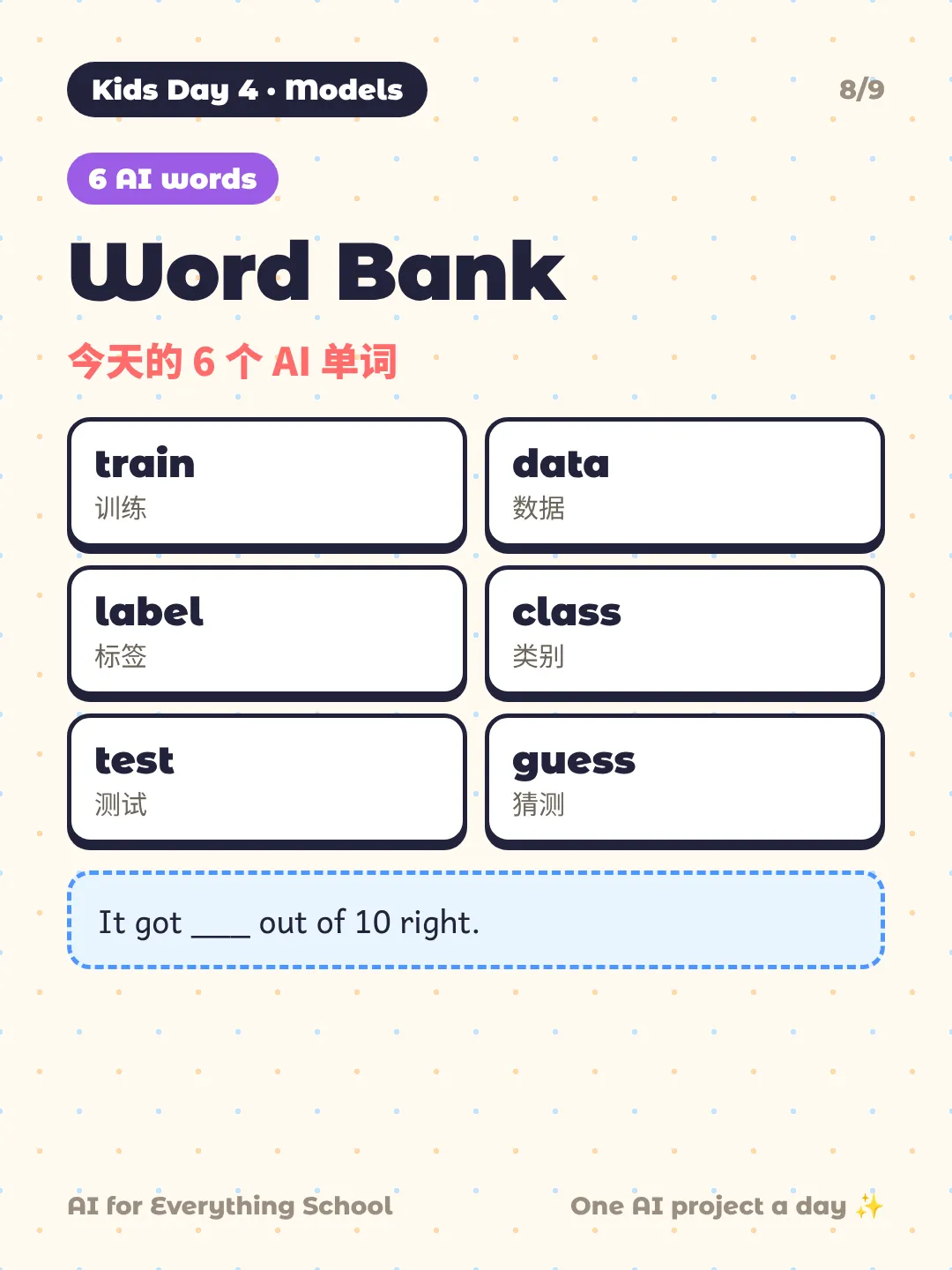
Word Bank 词库
| Word | 中文 | Example sentence |
|---|---|---|
| train | 训练 | I train my AI with photos. |
| data | 数据 | More data helps my AI learn. |
| label | 标签 | The label says “Dino”. |
| class | 类别 | My AI has four classes. |
| test | 测试 | Let’s test it ten times. |
| guess | 猜测 | Its guess was wrong! |
Think about it 想一想
Which part was MY idea, and which part did the AI do? 哪些是我的创意(选玩具、起名字、设计测试、找出错误原因),哪些是 AI 帮的(从照片里找规律、给出猜测)?欢迎在留言区用一句英文告诉我们。
Toolkit 附录
Everything to print or copy: prompt cards, sentence frames, the report card, a parent checklist and FAQ.
Prompt cards by age 分年龄提示词卡
本期的“提示词”是孩子对模型和家人说的教学口令;13+ 可在家长把关下用 AI 助手解释概念,但成绩单和结论必须自己写。
Little Creators 4–8(家长念,孩子跟说)
Grown-up: "What toy do we teach first?"
Kid: "Dino!"
Grown-up: "Turn it slowly. Ready?"
Kid: "1, 2, 3, Snap!"
Grown-up: "Let's test. What does AI say?"
Kid: "It says Dino! Yes!" / "Oops, wrong!"
Junior Authors 9–12(孩子自己规划)
My classes are: ___, ___, ___ and Nothing.
I will take ___ photos for each class.
I will test my AI 10 times.
3 tricky tests: new angle / dim light / a toy it has never seen.
My prediction: my AI will get ___ / 10.
Teen Designers 13–18(家长把关后可问 AI 助手)
I trained an image classifier with 4 classes (dino, teddy, car, nothing).
It scores 9/10 on familiar angles but 5/10 in dim light.
Do not solve it for me. Ask me 3 questions that help me figure out
why, and explain the words "overfitting" and "bias in training data"
with one everyday example each.
Sentence frames 句型框
- I taught my AI to spot ___.
- My AI has ___ classes: ___.
- It got ___ out of 10 right.
- It mixed up ___ and ___ because ___.
- To fix it, I added ___ photos of ___.
- The idea was mine. The AI helped me ___.
Worksheet: Model Report Card 学习单:模型成绩单
| Item 项目 | My answer 我的答案 |
|---|---|
| My AI’s name 我的 AI 叫 | |
| Classes 类别 | |
| Photos per class 每类照片数 | |
| My prediction 我的预测 | __ / 10 |
| Test 1 score 第一次测试 | __ / 10 |
| One mistake 一个错误 | It thought ___ was ___. |
| Why? 为什么 | |
| My fix 我的改进 | |
| Test 2 score 第二次测试 | __ / 10 |
| My idea vs. AI’s help 我的创意 / AI 帮的 |
Parent safety checklist 家长安全清单
- 13 岁以下由家长登录、家长操作(如工具需要账号)
- 摄像头只对准桌面,采集前检查画面边缘没有人脸、校服、门牌、快递单
- 采集后逐类翻看样本,删掉任何带人脸的照片
- 项目只存在本机;Teachable Machine 不保存到 Google Drive
- 项目名、类别名不含孩子全名、学校、住址
- 本期不使用开放式 AI 陪聊;13+ 如需 AI 解释概念,家长在旁一起看回答
- 和孩子一起检查 AI 的猜测,强调“把握度高不等于一定对”
- 分享成果时只拍玩具、屏幕和成绩单
FAQ 常见问题
| Question 问题 | Answer 回答 |
|---|---|
| 国内打不开 Teachable Machine 怎么办? | 用 Mind+ 的模型训练工具,选“图像分类”,流程相同:建项目 → 加数据 → 训练 → 验证。 |
| 电脑没有摄像头? | 用手机从不同角度拍玩具,传到电脑后以“上传图片”方式加入各类。 |
| 一直认错怎么办? | 先查三件事:各类照片数是否差不多;背景是否一致;玩具是否太像。补拍认错的情况再训练。 |
| 4 岁孩子坐不住? | 只做 2 个玩具 + Nothing,每类 20 张,重点放在“测试猜对了没有”的游戏感。 |
| 这和真正的 AI 一样吗? | 原理一致:从带标签的例子中学习分类。大模型的数据量大得多,但“数据决定表现”的道理相同。 |
| 要付费吗? | 以官方为准。本期不需要购买硬件。 |
| 模型能保存吗? | Mind+ 可导出模型并在实时模式的“模型训练与推理”扩展中加载(需 Mind+ 2.0.4 或以上)。 |
Sources
- Google Blog: Teachable Machine 2.0(样本留在本机、可保存到 Drive、可导出、免编程)
- Hackster: Teachable Machine uses TensorFlow.js
- Mind+ 官网(支持系统、模型训练工具)
- Mind+ Model Tool: Introduction(支持任务、摄像头采集、快速体验模式)
- Mind+ Model Tool: Quick Start(四步流程)
- Mind+ Real-Time Mode: Image Classification(导出模型与推理、版本要求)